
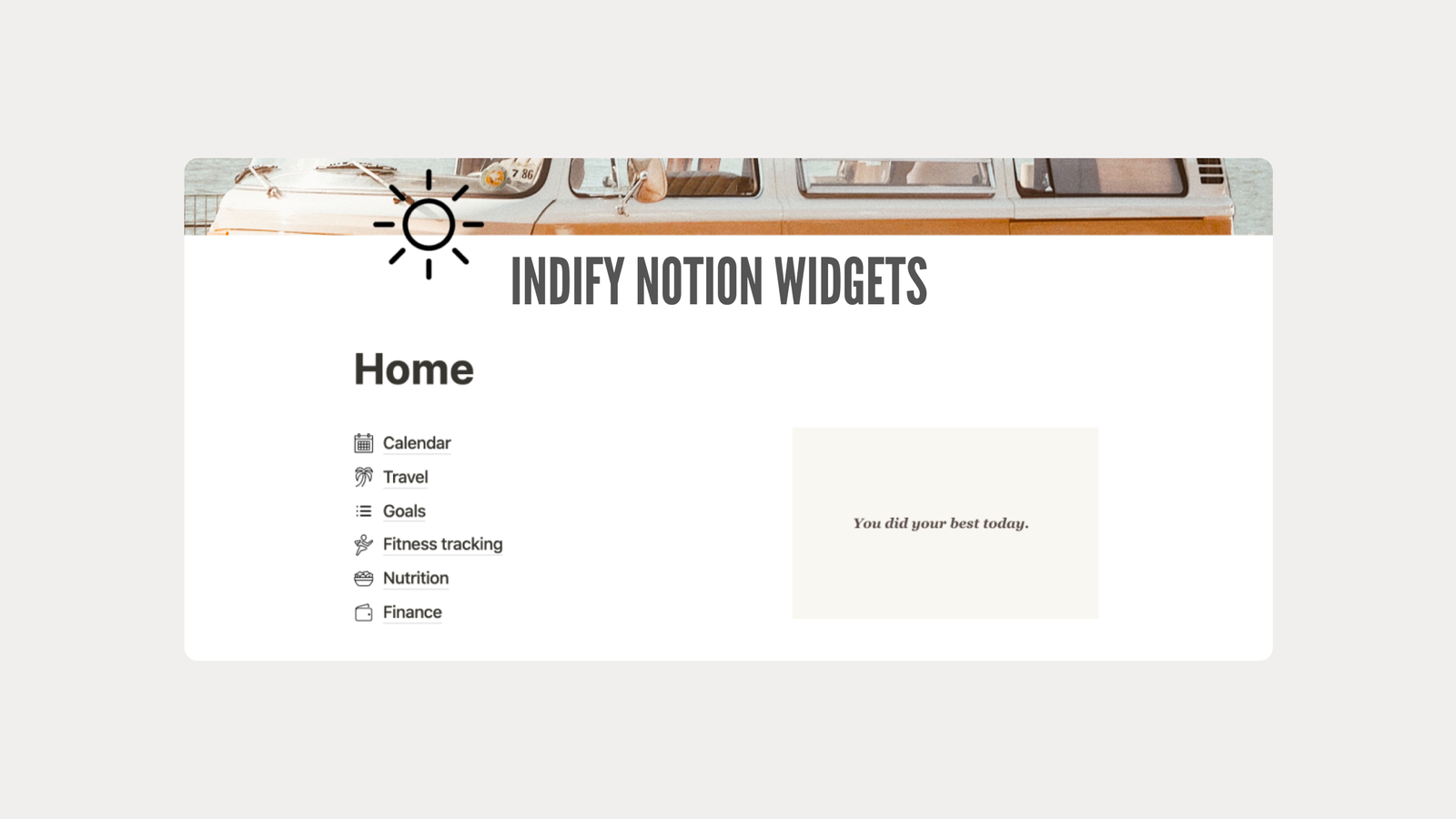
Notion has become one of the most popular tools for organizing life, work, and everything in between. From managing projects to keeping personal notes, it’s a workspace that adapts to your needs. But sometimes, Notion alone isn’t enough. This is where Indify Notion Widgets come in.
Indify Notion Widgets allow you to add dynamic, interactive, and visually appealing elements to your Notion pages. They are not just decorative; these widgets help you stay organized, increase productivity, and make your workspace truly engaging. This article will guide you through everything you need to know about Indify Notion Widgets, including their features, benefits, and step-by-step usage tips.
What Are Indify Notion Widgets?
At their core, Indify Notion Widgets are third-party tools that you can embed directly into Notion pages. Unlike standard Notion blocks, these widgets are interactive, live, and fully customizable. They allow you to track time, countdown to important events, monitor goals, and even display live information such as weather or calendars.
Indify is an online platform that allows users to create widgets easily without coding. Each widget comes with an embed link that you can paste into your Notion page, turning a static workspace into a dynamic digital dashboard. With Indify Notion Widgets, your pages can do more than just display information—they can actively help you organize and plan your day.
Key Features of Indify Notion Widgets
Indify Notion Widgets are designed for productivity, aesthetics, and interactivity. The platform offers more than 50 types of widgets, most of which are free and fully customizable. Users can adjust colors, sizes, fonts, and styles to create a workspace that matches their personal or professional theme.
Some of the most popular Indify Notion Widgets include:
Time & Productivity Tools
- Clock Widgets – Display analog or digital clocks for local or global time zones. Ideal for remote teams.
- Countdown Timers – Track upcoming events, deadlines, or personal milestones.
- Pomodoro Timers – Use built-in timers for focused work and break sessions.
- World Clock Displays – Show multiple time zones for international projects.
Life & Progress Trackers
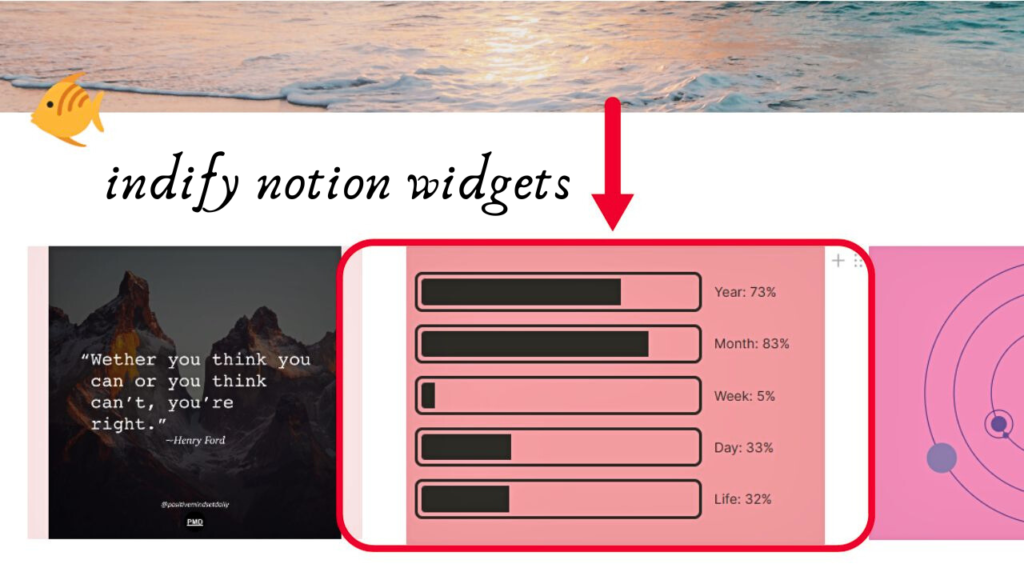
- Progress Bars and Counters – Monitor project milestones or habit goals visually.
- Life Progress Bar – Helps track your life in years, months, weeks, or days for reflection and motivation.
- Habit Trackers – Keep track of your daily routines for consistency and productivity.
Calendar & Scheduling
- Google Calendar Widgets – Embed live Google Calendar views for quick access.
- Simple Notion Calendars – Create custom monthly or weekly views directly on your page.
Weather & Live Info
- Weather Widgets – Display real-time forecasts in a stylish design.
- News Feed Widgets – Embed live headlines from your favorite sources to stay updated.
Fun & Motivation
- Daily Quotes – Inspire yourself with motivational messages every day.
- Image Galleries – Showcase photos or visual inspiration.
- Buttons & QR Codes – Add interactive links or shortcuts to other resources.
| Attribute | Details |
|---|---|
| Name | Indify Notion Widgets |
| Type | Interactive Notion widgets / third-party productivity tools |
| Purpose | Enhance Notion pages with clocks, calendars, countdowns, progress bars, etc. |
| Customization | Colors, fonts, sizes, styles |
| Coding Required | None |
| Platform | Web-based (embed in Notion pages) |
| Price | Free (with optional premium features) |
| Best For | Students, professionals, creators, remote workers |
| Website | indify.co |
Benefits of Using Indify Notion Widgets
Using Indify Notion Widgets offers more than just visual appeal; they bring real functionality to your Notion workspace.
1. Real-Time Updates
These widgets update automatically, providing live information that helps you stay on top of tasks without leaving Notion.
2. Enhanced Productivity
Countdowns, Pomodoro timers, and progress bars allow you to stay focused and organized. Seeing progress visually provides a sense of achievement and urgency.
3. Fully Customizable
With Indify Notion Widgets, you can change colors, fonts, and styles to match your workspace. This personalization improves both aesthetics and usability.
4. Simple to Use
Even beginners can embed widgets without coding. Most widgets are free, making them accessible to students, professionals, and creators alike.
5. Versatile Applications
Whether for education, work, or personal tracking, Indify Notion Widgets provide tools to organize tasks, track goals, and display relevant information seamlessly.
How to Add Indify Widgets to Notion
Adding Indify Notion Widgets to Notion is simple:
- Visit Indify.co – Browse the variety of available widgets.
- Select a Widget – Choose one that fits your needs, like a clock, calendar, or progress tracker.
- Customize – Adjust size, color, and style to match your workspace theme.
- Copy the Embed Link – Indify generates a link for your widget.
- Embed in Notion – In your page, type
/embedand paste the link. - Adjust Placement – Resize and move the widget to fit your layout.
Once embedded, the widget updates automatically and adds interactive functionality to your Notion page.
Limitations and Common Issues
While Indify Notion Widgets are reliable, some users report minor issues:
- Widgets may not render on mobile or certain browsers.
- Customization settings might not save.
- Loading delays can occur on heavily packed pages.
Most of these problems can be fixed by refreshing your page, using a desktop app, or switching browsers. Premium users also get access to advanced features and support for more complex widgets.
Who Can Benefit From Indify Notion Widgets?
Students can track deadlines, manage schedules, and visualize study goals.
Professionals can use widgets to display global time zones, manage project timelines, and embed live calendars.
Remote workers and creators can add motivational quotes, live weather, and habit trackers to keep their dashboards engaging.
Template designers can embed widgets in Notion templates for sale or sharing, helping others create interactive, fully functional setups.
Final Thoughts
Indify Notion Widgets are more than just decorative elements; they transform your Notion workspace into a fully interactive, organized, and visually appealing dashboard.
From customizable clocks and countdowns to live calendars and motivational tools, these widgets help you stay productive, track goals, and manage life efficiently. Whether you’re a beginner or a long-time Notion user, adding Indify Notion Widgets is a simple step to elevate your workflow.
If you want a workspace that is not only functional but also visually inspiring, embedding Indify Notion Widgets is an essential upgrade. They bring together aesthetics, utility, and interactivity to make your daily Notion experience seamless and enjoyable.
FAQs
Q: What are Indify Notion Widgets?
A: Indify Notion Widgets are interactive tools you can embed in Notion pages to track time, goals, calendars, weather, and more.
Q: Are Indify Notion Widgets free?
A: Most Indify widgets are free, with optional premium features for advanced customization.
Q: Do I need coding skills to use Indify widgets?
A: No, Indify widgets are easy to customize and embed without any coding knowledge.
Q: Can I customize the appearance of widgets?
A: Yes, you can adjust colors, sizes, fonts, and styles to match your Notion theme.
Q: Will widgets update automatically in Notion?
A: Yes, most Indify Notion Widgets update in real-time and show live information.
